Henkan reads the Notion pages and databases you share with it, and can publish reports and test learnings there. Every write asks for your approval first.
Before you start#
- A Notion account in the workspace, allowed to add connections. Guests can't connect Notion MCP; it needs a workspace member.
- Choose what to share. Henkan only sees the pages you pick in Notion's page picker.
Notion offers two methods:
| Method | Best for |
|---|---|
| Connect Notion (recommended) | Read pages and databases, write with approval. |
| Notion MCP (advanced) | Notion's official server (https://mcp.notion.com/mcp): it sees everything you can reach in the workspace. Search works on every plan; searching connected sources (Slack, Google Drive and others) needs a Business or Enterprise plan with Notion AI. |
Connect#
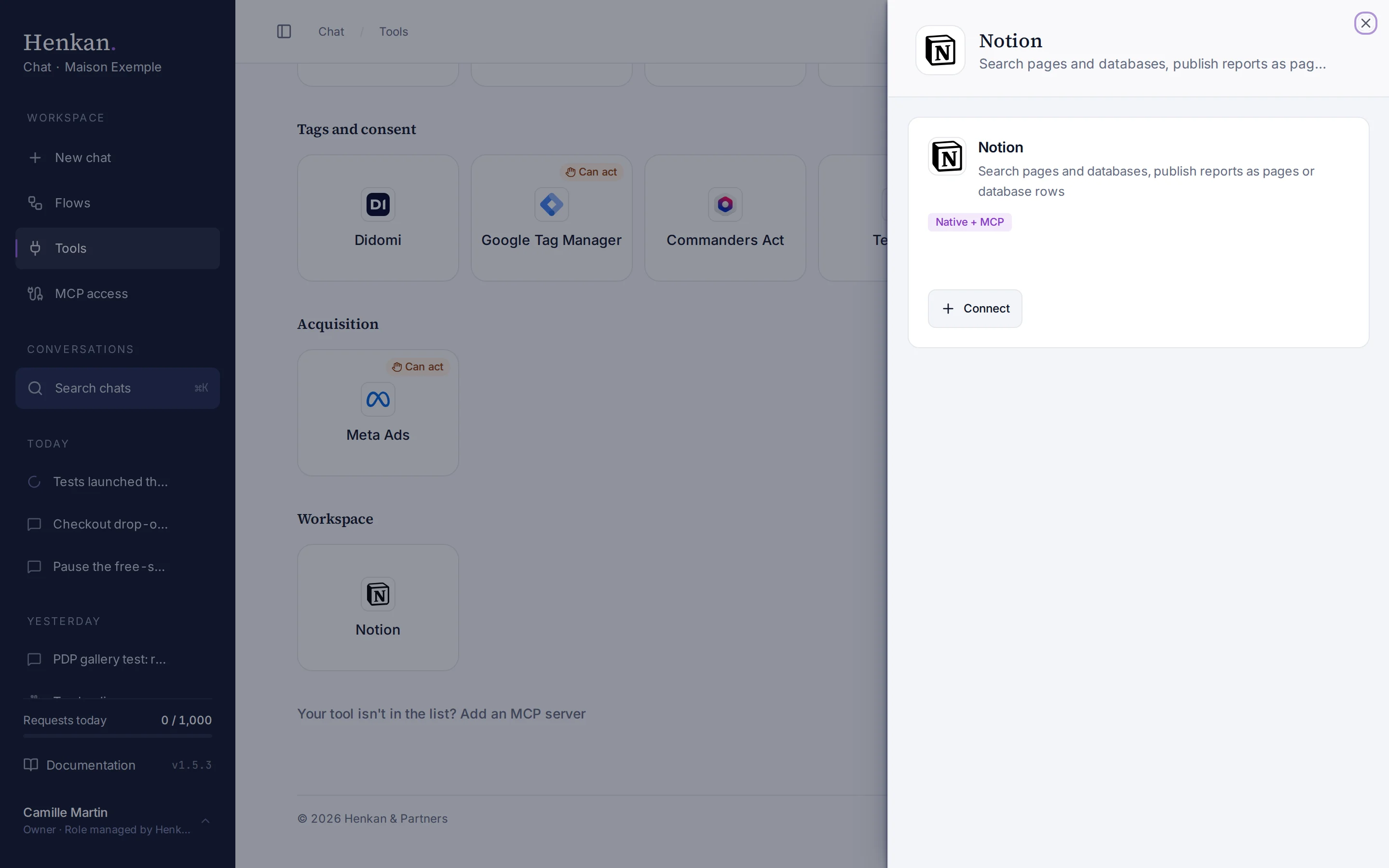
1
Native + MCP. Notion connects natively or through its official MCP server.
2
Connect. Opens the Notion sign-in.
- Open Tools In the sidebar, select Tools, then select Notion and Connect.
- Sign in to Notion Choose the workspace.
- Pick the pages In Notion's page picker, select the pages and databases Henkan may use.
- Check the result The tile shows Connected.
To share more pages later, open the connection and select Share more pages.
What you can ask#
- "Read the Maison Exemple Q4 brief and list the test ideas."
- "Which tests in the roadmap database are running?"
- "Save the free-shipping test readout to our Test library."
- "Replace the This week section of the Weekly report page with today's summary."
What Chat can and can't do#
| Tool | What it does | Read or write | Asks first? |
|---|---|---|---|
| Search | Finds pages and databases by title, or by content in recent pages. | Read | No |
| Read page | A page's properties and content as Markdown, with tables, toggles and to-dos. | Read | No |
| Query database | Rows of a database, with simple filters, up to 500 rows. | Read | No |
| Get comments, list users | Comments on a page, and workspace members. | Read | No |
| Create page, append to page | Writes a new page or adds to the end of one. | Write | Yes, always |
| Add database row, update page properties | Adds or updates a row. | Write | Yes, always |
| Replace section, update block | Rewrites the content under a heading, or one block. | Write | Yes, always |
| Add comment | Comments on a page or replies in a discussion. | Write | Yes, always |
| Create database | Creates a database from a simple schema. | Write | Yes, always |
| Save test learning | Saves an A/B test result to a Test library database: hypothesis, variants, KPI, uplift, confidence interval, decision. | Write | Yes, always |
Limits and good to know#
- Long pages are read in parts of about 40,000 characters.
- Content search reads recent pages only, so it is not exhaustive. Henkan says so.
- Costs and who pays. Your Henkan plan covers the AI requests: each question counts towards your organisation's requests (see Usage and limits). Any costs on Notion's side fall under your Notion plan.
Troubleshooting#
| Error or symptom | Fix |
|---|---|
| The page or database is not shared with the Henkan integration | In Notion, open the page › ••• › Connections › add Henkan. Or select Share more pages on the connection. |
| A relation can't be resolved | The related database isn't shared with Henkan. Share it too. |
| A person can't be found | Several people match. Use their full name or email. |
| The tile shows Sign in again | Select it and sign in to Notion again. |
Sources#
- Authorization (Notion Developers)
- Connect to Notion MCP (Notion Developers)