Ask questions about your analytics, A/B tests and customer feedback in plain language, and get answers built from your own data. Every number comes with the tool call behind it.
1
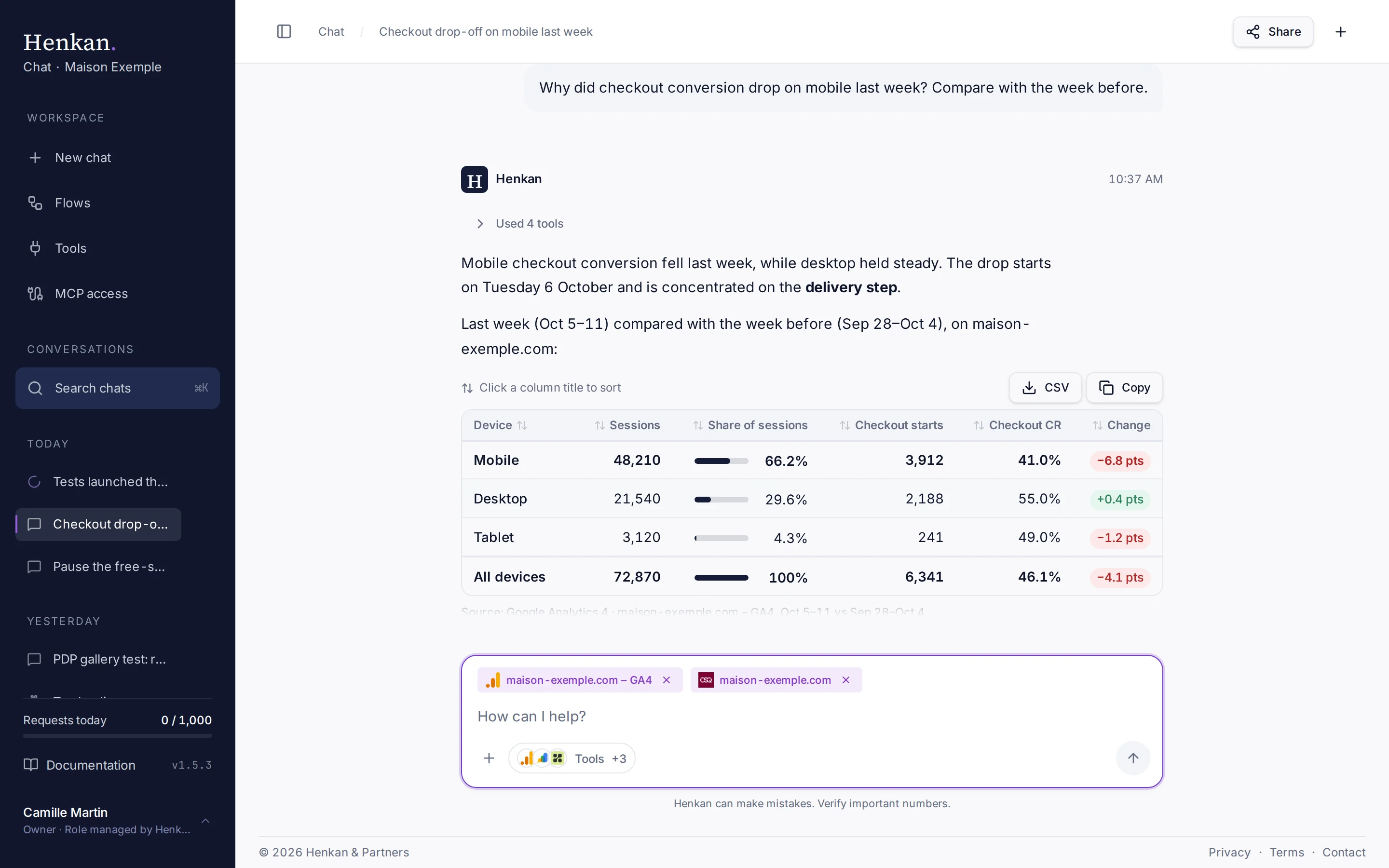
Tool calls. Open the list to see each call Henkan made.
2
Export. Download any table as CSV, or copy it into a spreadsheet.
3
Sort. Select a column title to sort the table by it.
How it works#
- Connect your tools Sign in to Google Analytics 4, Search Console, Kameleoon, Contentsquare, Qualtrics, Slack, Notion and more, or add any MCP server.
- Ask in plain language Henkan picks the tools it needs and calls them for you.
- Check the evidence Each answer comes with tables, charts, sources and every tool call it made.
Start here#
QuickstartYour first data-backed answer in five minutes.Sign in and get accessCreate your account and sign in.Ask a questionWrite questions, attach files, pick tools.Connect your toolsGA4, Kameleoon, Contentsquare and more.
Go further#
Automate with flowsScheduled investigations with an emailed report.Henkan in SlackMention @Henkan or send it a direct message.Use Henkan in other AI toolsYour connections in Claude, ChatGPT or Cursor.Security and privacyHow credentials and data are handled.
What Henkan Chat is good at#
| Question type | Tools it uses | Example |
|---|---|---|
| Traffic and conversion | Google Analytics 4 | "Conversion rate by device last week vs the week before" |
| SEO demand | Google Search Console | "Which queries lost the most clicks this month?" |
| A/B test results | Kameleoon, Wingify, GA4 | "Is the PDP gallery test significant on mobile?" |
| On-page behaviour | Contentsquare, Microsoft Clarity, Henkan Vision | "Where do mobile visitors drop off on the delivery step?" |
| Voice of customer | Qualtrics | "What drives detractors in the post-purchase survey?" |
| Sharing results | Slack, Notion | "Post this table to #cro-weekly" (always asks first) |